The long-awaited Drobo review

I’d been waiting for the time to put together all the videos, audio, and pictures for this review for a while and I’ve finally caught up on other projects so am getting this out for the listening and reading audiences to enjoy!  For those that subscribe and read via RSS, sorry because this is a video-heavy post and you’re just going to have to visit the blog to get the content today! Trust me though, it’s worth it as I take a look at how the Drobo performs in a real world environment with hot swapping drives, and the perils and pitfalls that surround storage area networks…

Enjoy!

Talk about cool!

I had the unique pleasure of connecting with none other than Nicole Young (Nicolesy) from TWIP fame recently. We chatted things up quite a bit on Skype, and as luck would have it, the recording was running! 🙂 So, for LDP episode #41, please welcome Nicole to the show by stopping over and giving her a big thanks. The show notes follow below. Continue reading “Talk about cool!”

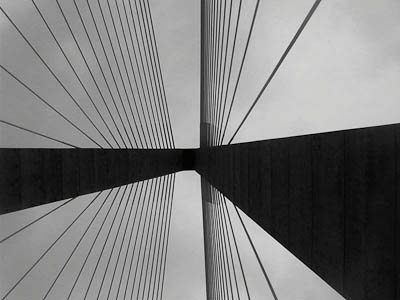
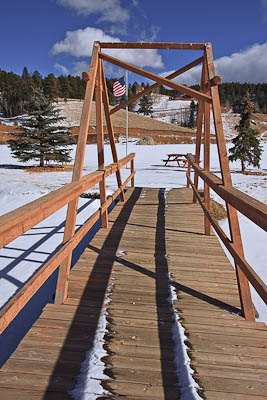
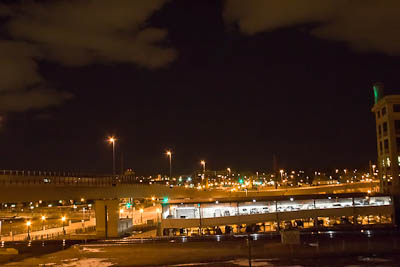
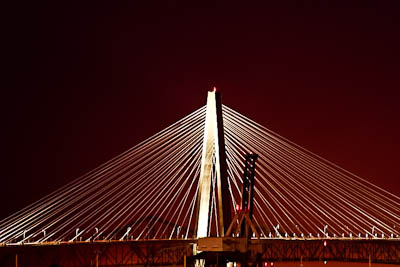
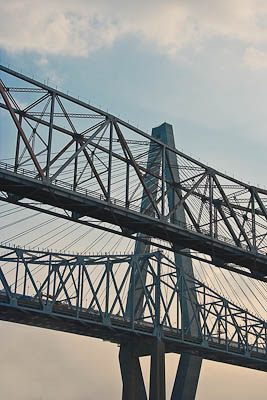
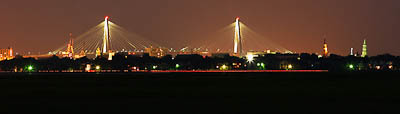
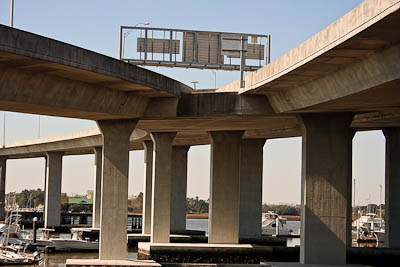
What is it about Bridges?

As the popularity of this theme continues to grow, I am really having more fun culling through my own archives, and have several ideas for actually getting out and shooting even more “themed” sets.  However, today, I present to you (courtesy of my wife, who astutely remembered that I shoot a lot of…):

Bridges

Bridges

Bridge

Bridge

Bridge

Bridge

Bridge

Bridge

Bridge

Bridge

Bridge

Bridge

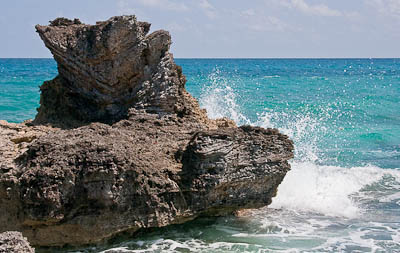
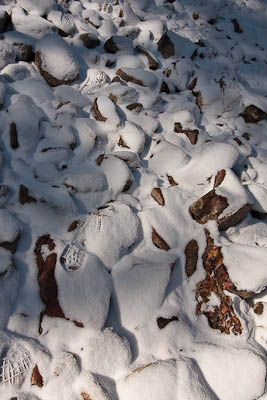
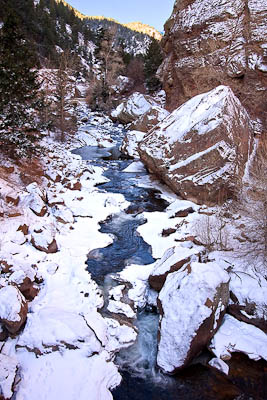
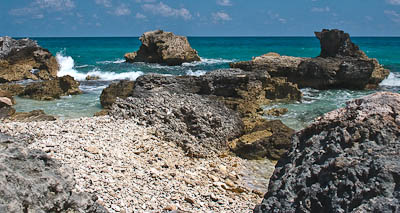
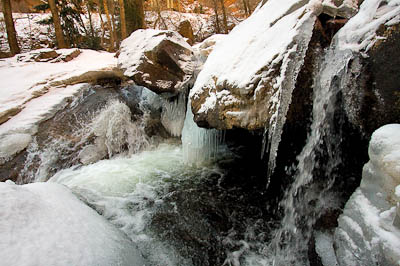
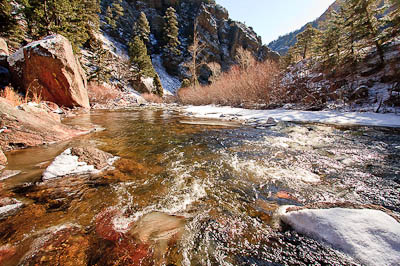
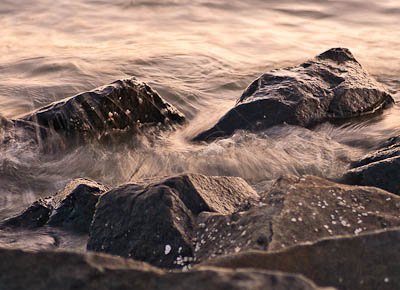
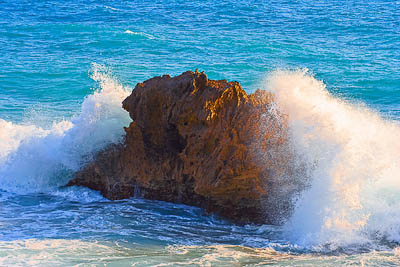
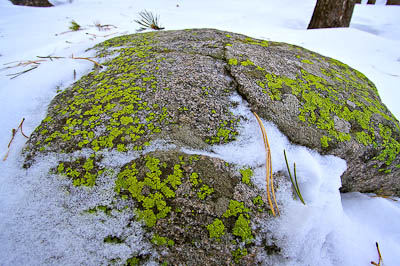
What is it About Rocks?

Hmmm….seems I have a new series theme going on here – people keep asking when the next series will be posted and are also asking me for specific series sets of photos.  I am not sure I have the library of images to accommodate everything, but that just gives me motivation for subject matter whenever I go out shooting again!  So, if you have a series that you’d like to see from me – suggest it in the comments or via email! For the time being, here’s another popular set from the library of yours truly: 

Rocks

What is it about Rocks - Set

What is it about Rocks - Set

What is it about Rocks - Set

What is it about Rocks - Set

What is it about Rocks - Set

What is it about Rocks - Set

What is it about Rocks - Set

What is it about Rocks - Set

There’s the latest “set” for everyone’s viewing enjoyment.  Feel free to leave feedback in the comments with your thoughts as we are always learning from one another!  Happy shooting and we’ll see you back here again tomorrow!

What is it about Windows?

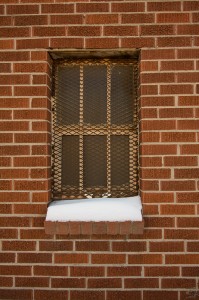
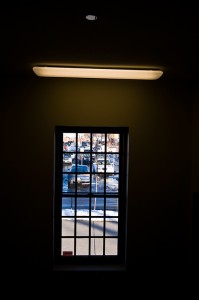
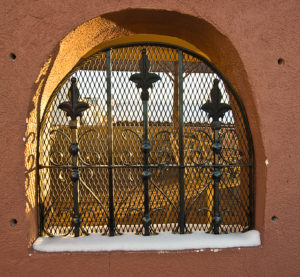
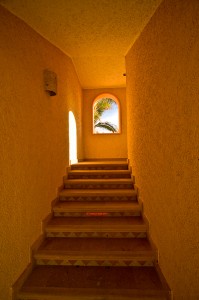
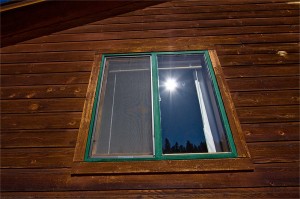
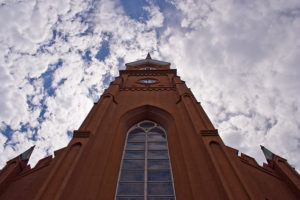
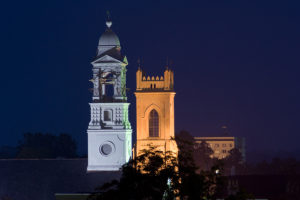
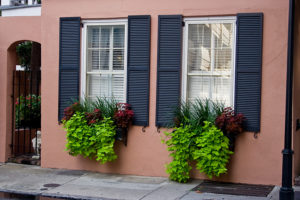
No, I am not talking about Operating Systems, rather I am talking about a follow-up to yesterday’s photo post with the theme of “Water”.  You see, another recurring theme for me is windows of buildings.  Taken from various angles and in various lighting conditions, and all over the place, ranging from South Carolina, to Colorado, Mexico, and various points in between, here’s a random sampling of windows I’ve captured in camera:

There you have it – just a random sampling of “Windows” as I’ve seen them over the last 5 years.  Got your own archives of thematic images?  Anything that has captured your fancy consistently over time?  Share your own themes and photos in the comments (remember, you can upload to the comments now)!  Happy shooting, and don’t forget about the February contest going on in the Flickr thread – a 16×20 print canvas is at stake.  Get your photos in while there’s still time!

What is it about Water?

Something about water really draws us as photographers – whether it’s the sunrise on a lake or ocean, the beads of dew on a morning flower, the tears or sweat as they roll down a cheek, or even the implied motion of water drops bouncing in the air – water somehow draws us all.  Could it be that humans are made up of a majority of water?  We do need it to survive – water is one staple we cannot live without.  Those two atoms of Hydrogen and one of Oxygen have so much meaning for us, we somehow are compelled to capture water in all its various forms of…dare I say beauty?  Who knows what drives us to capture it in camera, but I for one enjoy it!  Do you?

What is it about Water?

#2 (What is it about Water?)

#3 (What is it about Water?)

#4 (What is it about Water?)

#5 (What is it about Water?)

#6 (What is it about Water?)

#7 (What is it about Water?)

The idea for this post came from a tweet where someone referenced their entire archive saying they had photos of this and that, and were prepared for most situations when clients would come to them and ask “Do you have a photo of…?” so they could say yes!  It prompted me to go through my own archives, and I found several recurring themes – one of which was…can you guess?  WATER!

Go through your own archives and see if you can find recurring patterns – I asked some fellow photogs and water was a common one, which got me to thinking about this post in particular.  “What is the deal with water?”  Do you see a lot of water in your work?  What other themes arise from your archives?  Sound off in the comments, as I’d love to hear what inspires others (even if it is water too!)

Don’t forget, the LDP Flickr contest continues and the “Heights” contest deadline is about a week away.  Get your photos in soon to be in the running!  Happy shooting all and we’ll see you back here again tomorrow!

Software Review: PrintKey2000

Many times I have been asked what kinds of software I use to do various things for the blog, especially things like videos, screen captures, audio recording, and all that sort of stuff.  One thing that I’ve never really talked about is screen captures…not the videos but actual still shots of things as seen directly on my screen.  There are many programs available to do this, some paid for, and some open-sourced, with some being Mac or Windows specific, and a few scattering that cross both platforms.

Well, today, I am going to give a little nod to a Windows-only program, called Printkey.  Specifically titled PrintKey2000, and under specific note that this is a freeware program (meaning it is not supported – to use at your own risk.)  While I have never had problems with it, the mentality of “let the buyer beware” should always be a consideration when downloading applications, especially freeware.

Those in Apple-land know that there are keyboard shortcuts to do a screen capture of either your entire viewing area, or a specific window, and these can either be copied to the clipboard memory for inserting in an application like Photoshop, or saved outright to your desktop.  While in Windows you can always use the Printscreen and ALT+Printscreen to copy either a full screen or active window to your clipboard, the ability to save directly to your desktop does not exist natively.  Instead, you have to capture the screen to memory, paste into an image editor, and save out as a JPG if you want to use it.  What PrintKey does is fill that void of directly saving to the desktop.  This is especially handy if capturing things for posting in a blog, in creating documentation, and other useful learning resource outlets.

To use Printkey, simply download the free application from here, run the executable, and let the program start in your system tray.  The entire packaged zip file is half a megabyte, so the footprint is super for those that are space conscious.  Here’s a capture of the software itself in action (don’t ask me how I got it – that took a few minutes to figure out!  LOL):
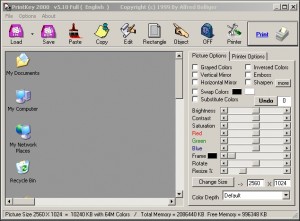
Printkey200o Interface

While there are many features wrapped up in this handy little application, the ones I use most often are the Save, Rectangle, Print, and then the dialog screen at the bottom of the screen (click the image above to see a larger view).  These should be pretty straightforward to those who are familiar with the concepts, but here we go regardless:

  • Save – saves the current capture to an image file…you can specify whatever format you prefer (jpg gif, etc.)
  • Rectangle – gives you a + sign that you can drag and drop around a custom area for capturing only part of your desktop
  • Print – sends the captured image to your printer…(hope that was explanatory enough)

The last one is the bottm details area…I am talking about this little section here:

Details

It’s very handy because it will tell you the dimensions of the image, how large the file is in terms of storage space on your computer, and how much free memory is left out of the total memory.  While some many not need all this info, the geek in me likes to have this!

So, there you have it, Printkey2000 in action.  I feel that I should also mention another really good counterpart and that is the program, SnagIt from the folks over at TechSmith.  With that handy application, you can not only capture images on both Windows and Mac, but you can edit them on the fly, including inserting text, arrows to call out an area, and other fun stuff.  Alas, it’s not free though – 30 day trial is allowed before you gotta cough up the $50! (Which for me is not worth it for something like this.  I have some friends that use other applications too, especially for video screen captures on both Mac and Windows platforms which include names like IShowU, Camtasia, and much more.  Here though, was just a little scoop on a little known application for the Windows crowd out there.

Got your own favorite little unknown program?  Have you used PrintKey?  Like it, love it or hate it?  Sound off in the comments as new little handy utilities are always welcome.  Happy shooting all and we’ll see you back here again tomorrow! 🙂

One last thing all – don’t forget the Height themed contest for the month of February – get your photos in while the gettin’ is good!  Deadline is a week from Friday!

Composition and the Angle of View

We’ve talked a lot about various rules of composition – what they are (Rule of Thirds, Golden Mean, etc) and when to adhere versus eschew them to create dramatic effect.  One thing we’ve not talked much about is the idea of changing your angle of view.  We have mentioned the concept in the past, suggesting that to get a good perspective to look up, look down, look behind you, and in new directions to get a unique view on things.  While this is always a good practice to remind yourself that there are other perspectives, it’s never really been discussed or illustrated in depth.

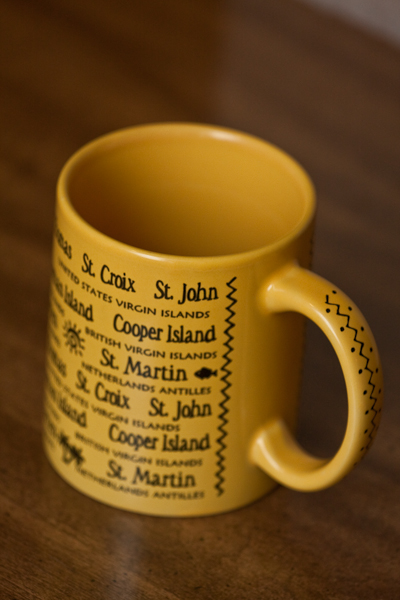
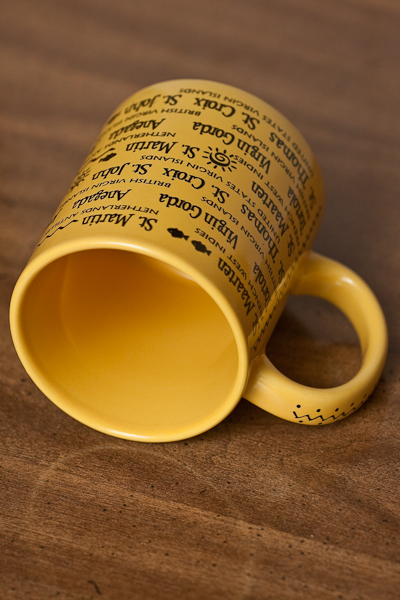
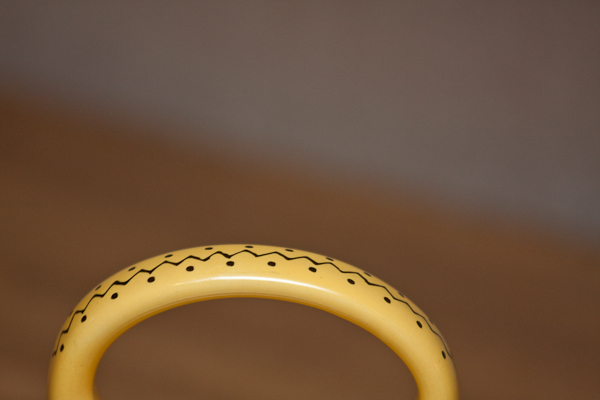
So, what I did was take a pretty ordinary object – my coffee mug – and take ten different pictures of it.  I challenged myself to look at one thing in ten unique ways – at different angles, and to try and find one that showed me something different than what I would usually expect to see.  I did get ten different angles, so technically I accomplished the objective.  Since some were very close to one another though, I am sharing here six different angles of view to help illustrate the purpose behind the exercise:

Angle 1

Angle 2

Angle 3

Angle 4

Angle 5

Angle 6

I used my 70-200 f4 and a tripod.  The white background you see in some pictures is just a piece of foam packing that was used to ship prints to me a while back.  I had my flash on the hot shoe, pointing up and to the rear most of the time.  Camera settings were 1/250th, at f4, and an ISO of 400.

It was pretty fun actually because I drink coffee every day! So, taking this regular object that I usually don’t even think twice about (although I am a coffee hound so I do have quite a collection of mugs to choose from…), I took 6 distinctly different angles of view.  Some are more boring than others, sure!  But some are actually kinda cool – in particular I am fond of the one with the mug handle sticking in the air!  To keep it in place I simply stuck my lenscap behind the mug as a prop!  It’s a fun exercise, and can make you see regular objects and scenes in new ways.  This is just one way to force yourself to think creatively.

So now, it’s reader assignment time – go find something regular, anything!  Whether it’s a coffee mug, a screwdriver, a telephone or a clock radio…pick something then force yourself to take ten different shots of it.  Zoom in close, go super wide.  Drop your aperture way open for more blur and selective focus.  Use a totally different lens than you normally would.  Going with the 70-200 I forced myself to back up.  I could have swapped to the 10-22mm and gotten something totally different…and the same goes for the 70mm macro.  Whether you live in an apartment, a house, or……an airstream (do you really know anyone that would live in an airstream?), there are tons of  ways to think creatively that surround you!  Seek them out, and you will find a piece of yourself – share it with the world!

Post your creativity exercise shots up on Flickr in the LDP pool – show that creative side and happy shooting!  Until tomorrow, keep them shutters clicking, and watch out for a new Audioboo about the new Canon T2 Rebel – gonna be a fun clip on what Canon has been up to! 🙂

5 Tips to Better Landscapes

The most common questions I get here on the blog center around the idea of how to take better pictures.  Whether those “better pictures” are better landscapes, or portraits, wildlife or events, everyone wants suggestions on how to approach the practice of taking pictures better.  Esoteric and creative considerations aside, there are some fundamental “tricks of the trade” that, by and large, will almost always improve your craft in pretty much any genre.  So, today, I thought I would take a moment to share 5 “tricks” I’ve learned that always lead to better landscapes: Continue reading “5 Tips to Better Landscapes”

Against my better judgement…

For those of you that have been following the blog for a long time (and let me know who you are, because I want to ask why!), you may recall that I used to put out video tutorials on how to do various things inside of Photoshop. After plodding around with that for a while, I came across the gurus of NAPP and realized that several were already doing it, and doing it much better than I ever could.  So, rather than re-inventing the wheel, I abandoned the video tutorials in favor of just sharing my “wisdom” in the form of the written word (blog posts and articles) and audio tips (which are now part of the Learning Digital Photography podcast).

Well, when I recently twittered with excitement over the newly released calendar of some of my favorite images for 2010, someone asked me about the template I used to create those images.  I honestly answered that I didn’t really use a template as the website www.lulu.com just let me upload the images and they handled the rest.  On realizing that they were talking about the images on my Photography Website, I recalled that a template was used for those images.  I could have done a written post about this, but those take a lot of time to put together (lots of screen grabs, lots of writing, and lots of uploading), so I instead decided to put together a new video on how to create a template for your photos inside of Photoshop.  The video may take some time to load, so please be patient as this is a self-hosted video production! 🙂

[display_podcast]

Keep in mind – this is just one way – in Photoshop there are always many ways to reach similar results, and as the old adage says, there’s more than one way to skin a cat!  Anyway, this is for you @mitz!  Enjoy, happy shooting, and we’ll see you back here tomorrow!  Oh, and lest we forget, there are very few days left in the January giveaway!  For your chance to win a free copy of Photomatix Pro from the folks at HDR Soft, get your Circle-themed photos in the Flickr Contest Thread by midnight on Friday (Mountain Time – GMT-7).
P.S.  For those that like my videos and want to see the archives, check out the Learning Resource Page from the sidebar for more materials.  And as an additional side note, this is post #600.  No fuss, no muss, no fanfare, but yet somehow I landed back on video tutorials – which is kind of how it all started!  Somehow, ,ind of poetic, eh? 🙂