Free advertising from me today…

Being in Colorado, I am always one of the first to read the latest blogs for the day because East Coasters usually set their publish time to somewhere between midnight and 2am, which means between 10pm and midnight my time, I can catch up on all the news that is going to hit in the morning.  (California folks got me beat by an hour…)

So, when Scott Kelby’s blog went live a while ago, he was encouraging people to join the Kelby Training website with a video teaser compiled by his chief video guru, Jason Scrivner.  It’s a pretty funny video teaser, but did pique my interest enough to stop over and see how much time was involved in the new video.

Continue reading “Free advertising from me today…”

A simple question is never simple…

I am putting together a DIY project that requires a tool which is rather pricey (roughly $50).  So in the interests of keeping costs down, I’ve been contacting local glass cutting shops (although that might be telling too much) to see if they have the tool needed for the job.  Specifically, the shop needs to have a 3  and1/8″ diamond tipped hole saw for this project.  The first words out of my mouth are always:

“Hi, my name is Jason and I am trying to find a local shop that can cut a piece of glass for me, but it must be done with a 3 and 1/8″ diamond tipped hole saw bit.  Do you have that specific size?”

Continue reading “A simple question is never simple…”

Cultures Colliding – a Podcast with Martin Bailey!

On this week’s show, we’ve got a lot to talk about including a couple of particular news stories to note, with a little insight from the crew, we’ll be taking your questions and answers on the show and the special guest of the week for this show is none other than the well-reknowned Martin Bailey!

Photo News

  1. 3rd Annual Worldwide Photo Walk has been announced by Scott Kelby, and details are here.
  2. Lightroom 3 was announced last week Monday – and is available to purchase and download…you can also download a 30 day trial for free from Adobe here (or buy via the sponsored link in the sidebar!)
  3. New Plugins available for LR – Pro Show Gold, a popular slideshow and movie creation software set.  Info here

Martin Bailey

  1. Photography and Culture in Japan: Laws or hassles shooting in public?
  2. Workshops and your development in photography
    • Workshops
    • Development/Inspiration
  3. X-Rite Colorati
  4. Martin on the web

Links: http://www.martinbaileyphotography.com/
Blog: http://blog.martinbaileyphotography.com/
Podcast: http://www.martinbaileyphotography.com/podcasts.php
Workshops: http://www.mbpworkshops.com/
Twitter: http://twitter.com/MartinBailey
Folio: Martin Baily Photography

Q&A

  • Professional Critique
  • Cost of Printing
  • Starting Camera Suggestions

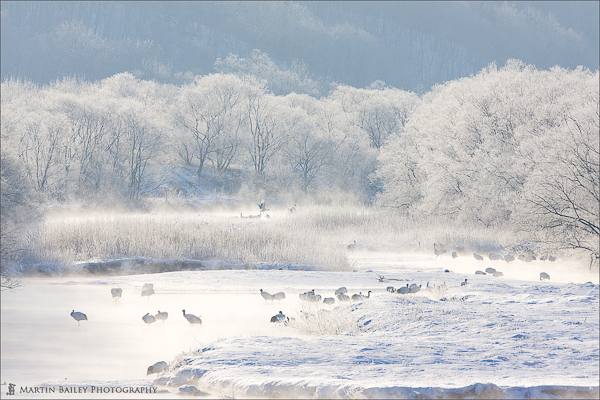
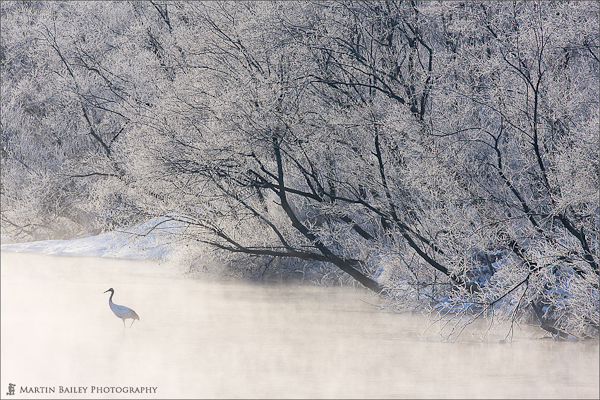
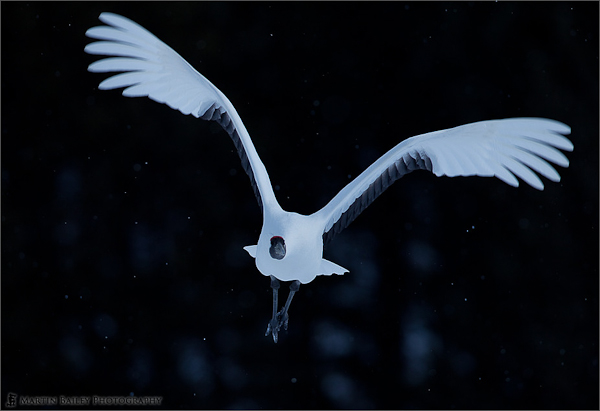
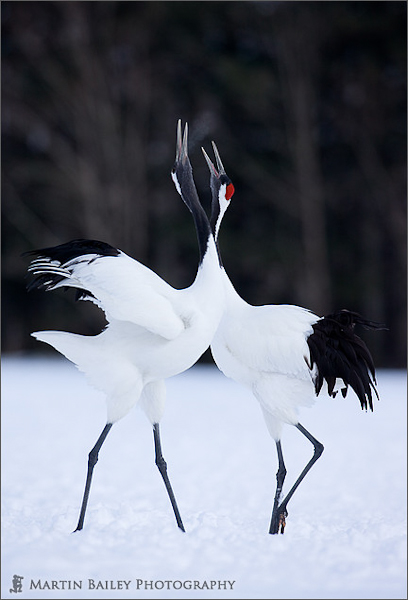
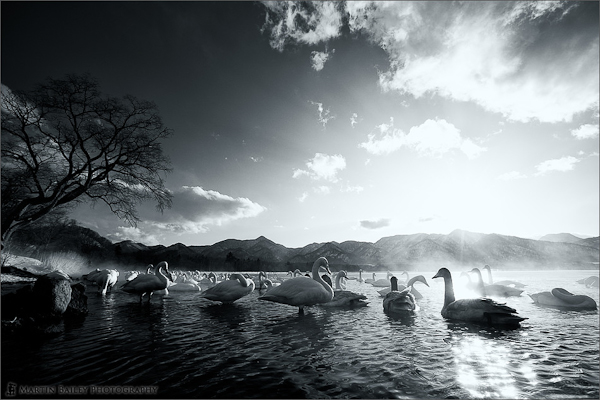
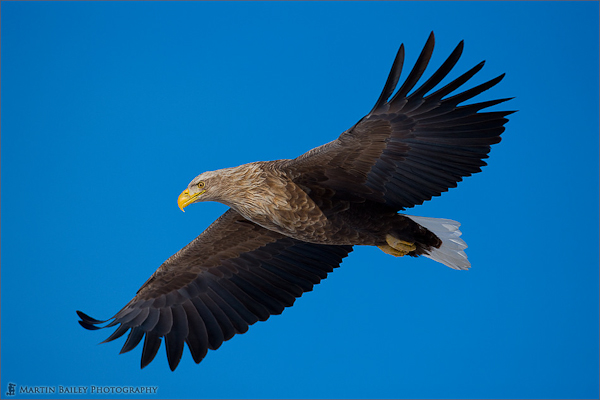
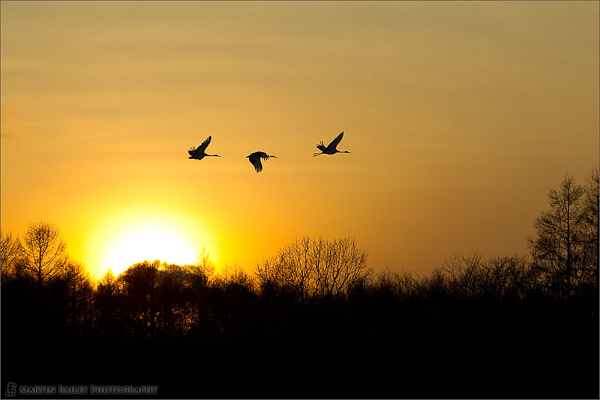
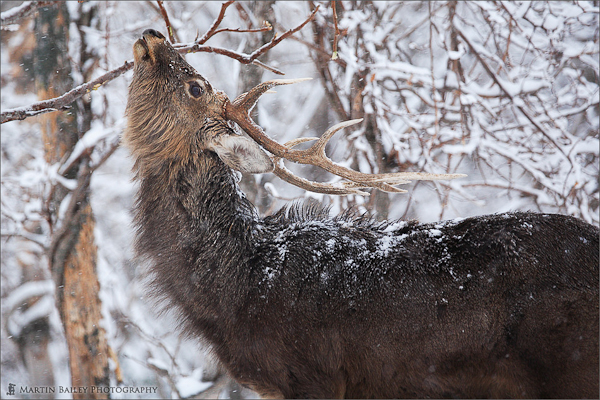
Martin was also kind enough to share a sample selection of his portfolio with us here on the show.  These are the low res versions, to see things super nice, head on over to his folio link provided above.  In the meantime, enjoy the photos, the show, and we’ll see you back here tomorrow for the latest in photography reviews!

Snow Monkeys

Bathing Snow Monkeys

Snowy Hands

Distant Dance

Scene from Hokkaido

Soft Arched Wings

Honking Dance

Kussharo Lake Swans

Eagle Eye

Sunset Flight of the Cranes

Stag in Element

[display_podcast]

The 700 Club

This post makes it officially 700 thoughts and musings on the blog.  At an average of 250 posts per year (since I don’t normally post on weekends and occasional “no blog” days), that means we are closing in on the end of three full years of blogging!

To the readers who have been there with me since the beginning, I’d like to say thanks for all your patience as I’ve walked through several fires of growing pains.  I’ve come to the realization that the more you write, the greater the chance you have to sound like either a fool, or a pure and simple $%^&.   Hopefully I’ve minimized both of these occurrences enough to warrant another 700 posts!

There’s a couple things coming up on the horizon that are quite exciting, and a few fire irons already nice and hot (see contest #1 and contest #2 going on right now)!  The biggest change is coming at the end of the month when CB gets a pretty serious face lift.  Other upcoming things of interest include  a podcast with none other than Martin Bailey on Monday, the 3rd Annual World Wide Photowalk in July, and the 2nd release of the 49 Photo Tips download!  (The first is still available here…)  All this is accompanied by the regular news, reviews, and photography experiences/insights that I share with you here daily.  So, you’d think that with all that, there’s be nothing else of a “big news” item to announce at this time.  After all, it’s just Friday, right?

Well, not to disappoint, but there is some news to share with you today on post #700!  This is not only news, it’s pretty big news!  In fact, it’s not just pretty big news – it’s super huge!  Are you sitting down?  Are you ready for this? (Cue “Jock Jams“…for those of you that did not experience the early 90’s, the link may be a #lame one…)

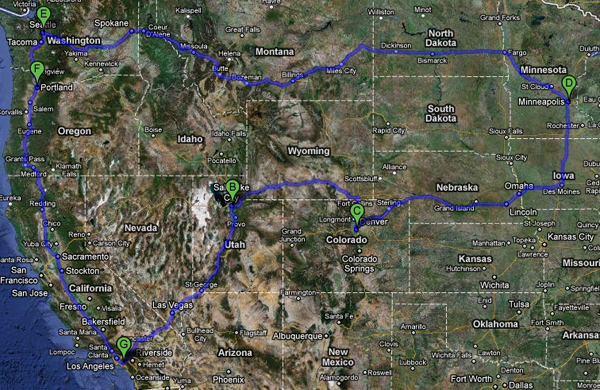
Actually, I’d better not just quite yet.  But, I can let you know that Anaheim, Salt Lake City, Denver, Minneapolis, Seattle and Portland all have something in common (they make a nice circle…don’t ya think? 🙂 )…

More tk…happy friday and have a great weekend all!  Get out and shoot ya some! 🙂

Lightroom 3 FAQ

With the release of Lightroom 3 the other day from the folks over at Adobe – I’ve had an influx of several repeating questions.  While I’ve replied to (hopefully) everybody, it’s useful to note those questions and the responses here as well for my first ever:

Adobe Photoshop Lightroom 3 Frequently Asked Questions

1.  I tried the tethered capture, but Lightroom does not appear to let me adjust shutter speed, aperture or ISO with my (fill in your camera body type).  Is this model not supported?

Answer:  The tethered capture is only intended as a capture function.  The display shows you the shutter, aperture and ISO, but you cannot make those adjustments on the computer – that must be done at camera.

2.  Will Lightroom 3 upgrade both my catalogs from LR2 and the beta?

Answer: My understanding is that Lightroom 3 will automatically upgrade your LR2 catalog for you.  Once that operation is done, you can then import the catalog from the beta edition to your new catalog in LR3 to bring everything in together.

3.  What if I don’t want Lightroom 3 to upgrade my catalog?  Can I stop it from doing that?

Yes, on first launch you will be prompted to either upgrade your LR2 catalog or to start a new one.

4.  Should I get Lightroom 3 or Cs5 – I can’t afford both.

Answer:  If you are just diving in now, I would recommend starting with Lightroom 3.  It has so many features and the strength and robustness of it really has diminished the need for round trips to Photoshop when you are talking about photography.  Of course if you have serious restoration work, clone work, or need to use features like layers, then Photoshop is a requirement, but I would classify people in this group as graphic artists, not photographers.  If you’re upgrading, both do not have to be done simultaneously.  Go with one (Lightroom) and the other a few months down the road (Cs5).  Or, use the sidebar here to get 30% off the combo pack!

5.  Will there be any contests here on your Flickr Monthly Giveaway Series so I can participate for a copy of Lightroom 3?

No comment! 🙂  In all seriousness, I’d love to, but cannot speak for Adobe – we’ll see what happens in the coming weeks.  Don’t be expecting it, but don’t write it off either! 🙂

Got any of your own questions about Lightroom 3 not covered above?  Feel free to sound off in the comments! Happy shooting and we’ll see you back here again tomorrow!


Worldwide Photowalk Update

For those in the Denver area, the photowalk that I will be attending has been uploaded and is now available for registration.  Thanks to photo walk leader Tim Tonge for publishing the locale and info to allow us to register!  If you’re in the area, here’s the direct page to sign up.  Walk limit is 50, so there’s room for only 49 more people!  See you on July 24th!

Denver Photo Walk

Don’t forget, there’s also a really good cause going on too for the photo walks this year, so stop over to the Cafe Press store for Towner Jones Photography.  The proceeds all go to the Springs of Hope Eternal, and you get a cool t-shirt!

Five Tips to Better Photos

With the sudden surge and swell in the blogosphere, Twittersphere and Photosphere over Lightroom 3 hitting the streets (and a nice combo discount is available in the sidebar by the way), let’s not forget that this software is all meant to be doing one thing – letting us get back to the business of taking photos instead of spending our time in our computer.

With that in mind, I’m bringing back a popular concept of “Top Tips”.  Today, I give you…(drum roll please):

“Five Tips to Better Photos”

  1. Be Ware of Exposure Values – No matter how good your camera is, if you under or over expose too much, you’ll be losing detail which either takes too long to recover in post production or is unrecoverable.  Check your histogram for “blinkies” (meaning stay away from the edges), and you’re in a much better zone to start!
  2. In keeping with watching exposure values, don’t rely on new-fangled features lie “content aware fill” or “clone tools” to fix things afterward.  If it takes ten more seconds to get it right in camera, do it, because it means you are still shooting and not stuck behind a monitor at 2am fixing stuff for tomorrow’s delivery deadline!
  3. Avoid increasing Noise.  It’s like a broken record at this point, but would you rather keep noise down in camera or address it because you were shooting at ISO 64000 in camera?  Yeah, the reduction features are amazing, but it’s even better if you don’t even have to touch that slider.  Swap lenses, check settings, and heck, maybe even add a fill flash.  It helps to keep noise down, which ultimately means your shots are cleaner.
  4. Look for the Light – the direction of the light, the intensity of light, and the shape of the light all can impact your photos.  As a general rule, keep the light to your side and behind you, and try to keep the intensity down as you don’t want to over-expose your subject (see Tip #1).  Don’t forget, you can shape and modify even ambient light with diffusers, reflectors,  and umbrellas.  It’s all part of the larger principle that photography is about “writing with light”.
  5. Shy away from shadows – Just as the quality of light can make or break a photo, so too can shadows.  Watch for overhead lights as this can have nasty effects on things like portraiture (shadows under eyes).  Coming at your subject from the wrong angle can also lead to nasty and unwanted shadows of yourself in the picture.  For instance, if you are shooting a building at sunset with the sun directly behind you, your own shadow can creep into the scene, making for some not-so-fun post production work in Photoshop.

There you have it – 5 easy tips to better photos!  Lightroom?  We don’t need no stinkin’ Lightroom!  (Well, we do, but it made for a good quote! 🙂 )

What sorts of tips have you come up with to make and take better photos in camera?  Share your own in the comments!  Happy shooting and we’ll see you back here again tomorrow!

P.S.  Remember, there are two contests going on right now – if you stop over to the podcast day (Monday) where I talked with Rob Sylvan and share a comment you are entered to win a free copy of his upcoming “Taking Stock” book – courtesy of Peachpit Press.  Also, the monthly giveaway for 2 4GB Lexar Pro 300x CF cards is rolling and you can submit your photos to the Flickr thread here!  Enjoy and good luck to all!

Lightroom 3 Learning Center!

The news is just out the door from the folks at Adobe, and Kerry Garrison from Camera Dojo asked me to help out with preparing some completely free videos and first look tutorials on how to use everything that Lightroom 3 has to offer.  It’s a pretty kick butt content area, and I’ve covered 3 or 4 of the 12 videos we’ve put out so you can get insights from the both of us.  We’re pretty excited about this new resource that Kerry has set up, so make sure you stop over to Camera Dojo and check it all out.  Kerry even has shared the videos through YouTube too, so you can share the content with others from there too!

We cover everything new in LR3, including:

  • Tethered Shooting
  • Exporting to Video
  • Lens/Perspective Correction
  • Adding Grain
  • Sharpening and Reducing Grain
  • Multi-image Print Layouts
  • Enhanced Watermarking
  • Vignettes
  • The new and improved Import Tool
  • The newly improved and feature rich Develop Module and Pre-sets
  • The features of the Local Adjustment Brush

…and more!  So, stop in, enjoy the tutorials, and let us know what you think – what’d you like?  What do you want to see more of?  Sound off with your own thoughts in the comments on his site and here!  Enjoy the brand new Lightroom 3 Learning Resource Center, and tell your friends!

Lightroom 3 Q&A (Beta)

What a great day to release a new podcast – with the final release of LR coming out very soon, I had the distinct opportunity to talk with Rob Sylvan, author of LR2 for Dummies, and the forthcoming Taking Stock.  We talked a lot about Lightroom, working at NAPP, and took a few listener questions and answers.  More photo news, additional Q&A, and a new feed for the podcast start today, so be sure to download the latest show.  You’ll notice I have pulled the feed back to this site, and the format is more iTunes compatible (m4a) so you can now see pics and chapter segments. Continue reading “Lightroom 3 Q&A (Beta)”